

Shenandoah SOundcheck
how to: upload your music to spotify
Leif Stawarz, October 9th, 2023
If you’re just getting into making music, you might want to get your music out there on official streaming platforms so that people can listen to it. Whether or not you want to put your music on streaming platforms is a completely personal choice – if you want to only do a traditional release, then you can handle that yourself and release CDs or handle the licensing between yourself and music platforms where you can purchase whole albums. However, these days, it’s a lot easier to get people to listen to and engage with your music if you upload it onto a streaming platform that your listeners can listen to for free or for a small monthly fee, so they can get a feel for your music without a huge commitment. The most popular streaming services are Spotify and Apple Music and this tutorial will focus on how to upload your song to Spotify, though the process should be fairly similar for Apple Music.
The first step to uploading your song to Spotify is to choose a distributor. You cannot upload your song directly to Spotify as an independent artist. You must work with a distributor who will upload it for you for a small fee or percentage of your royalties – while you do have to pay money upfront, it can be worth it once you have more listeners, as you’ll start earning royalties on your streams. Spotify has a list of recommended distributors on their Spotify for Artists page – https://artists.spotify.com/providers.
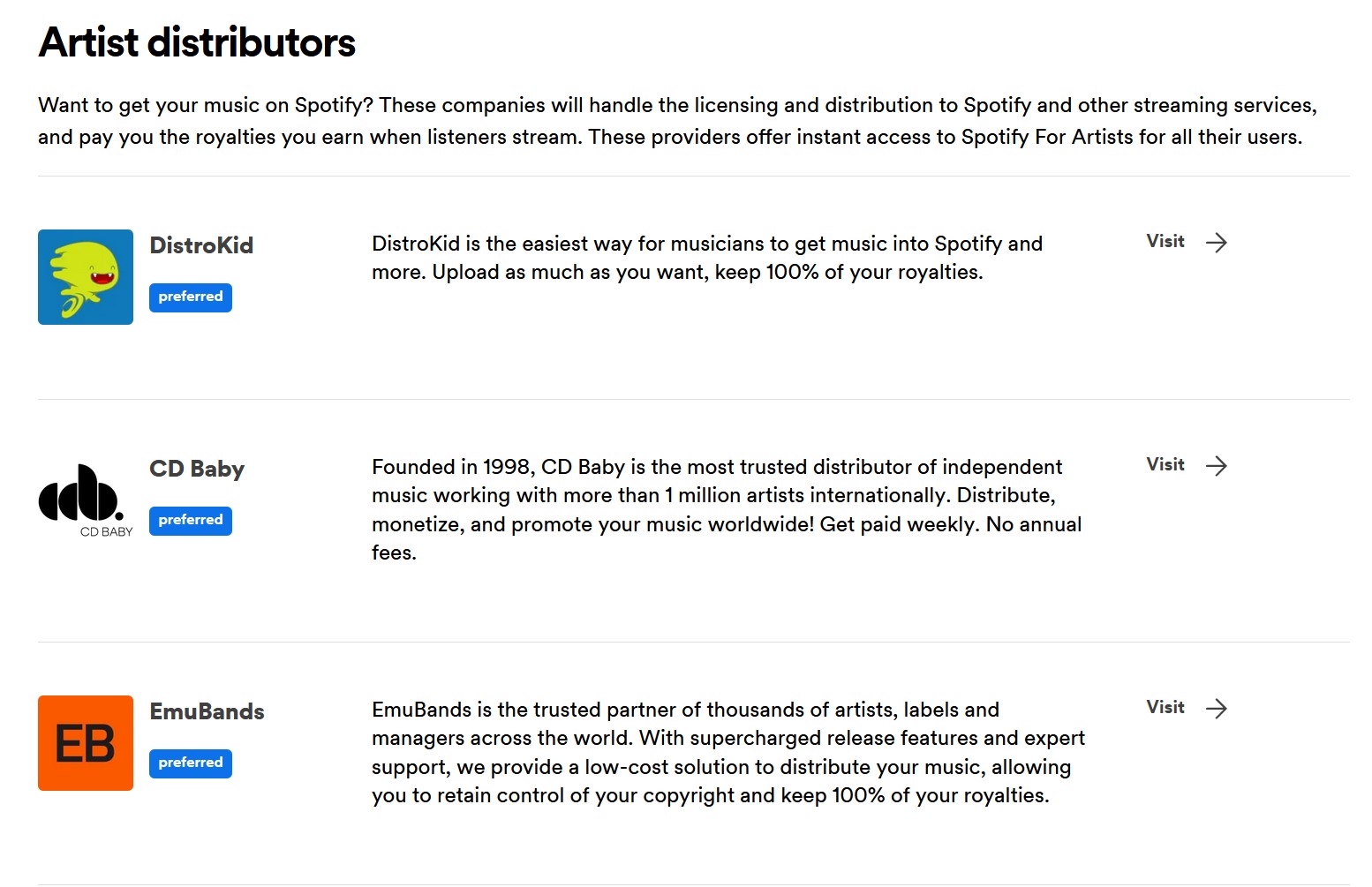
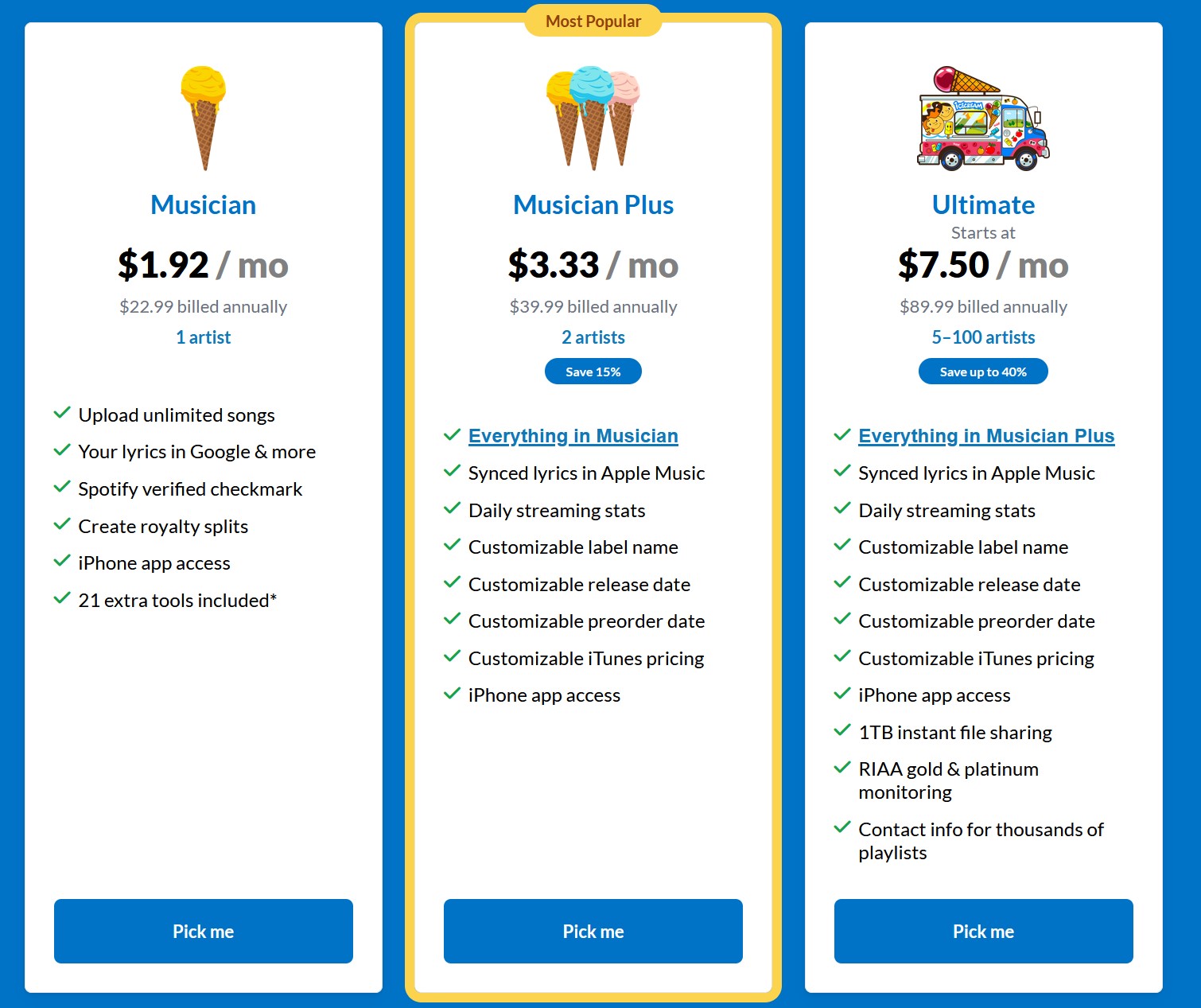
There are pros and cons to each distributor. For example, DistroKid is one of the most trusted and most popular distribution services. You pay $22.99 once a year and you can upload as many songs as you want – so, this is a great service if you plan on uploading a lot of music. CD Baby is another popular distributor that functions differently – you pay $9.99 every time you release a single or an album. While this seems like a worse deal on its surface, it’s actually comparable if you think about how long it takes to make music to release. If you know that you’re only going to release one album and a couple singles in a year, then CD Baby might be better for you. If you think that you’re going to release more than that, then DistroKid would be the better deal. Some distributors have extra features like instant Spotify artist verification, which allows you to access statistics that help you market your music better, or the ability to choose a custom release date, which is good if you don’t want to compete with other or bigger releases.
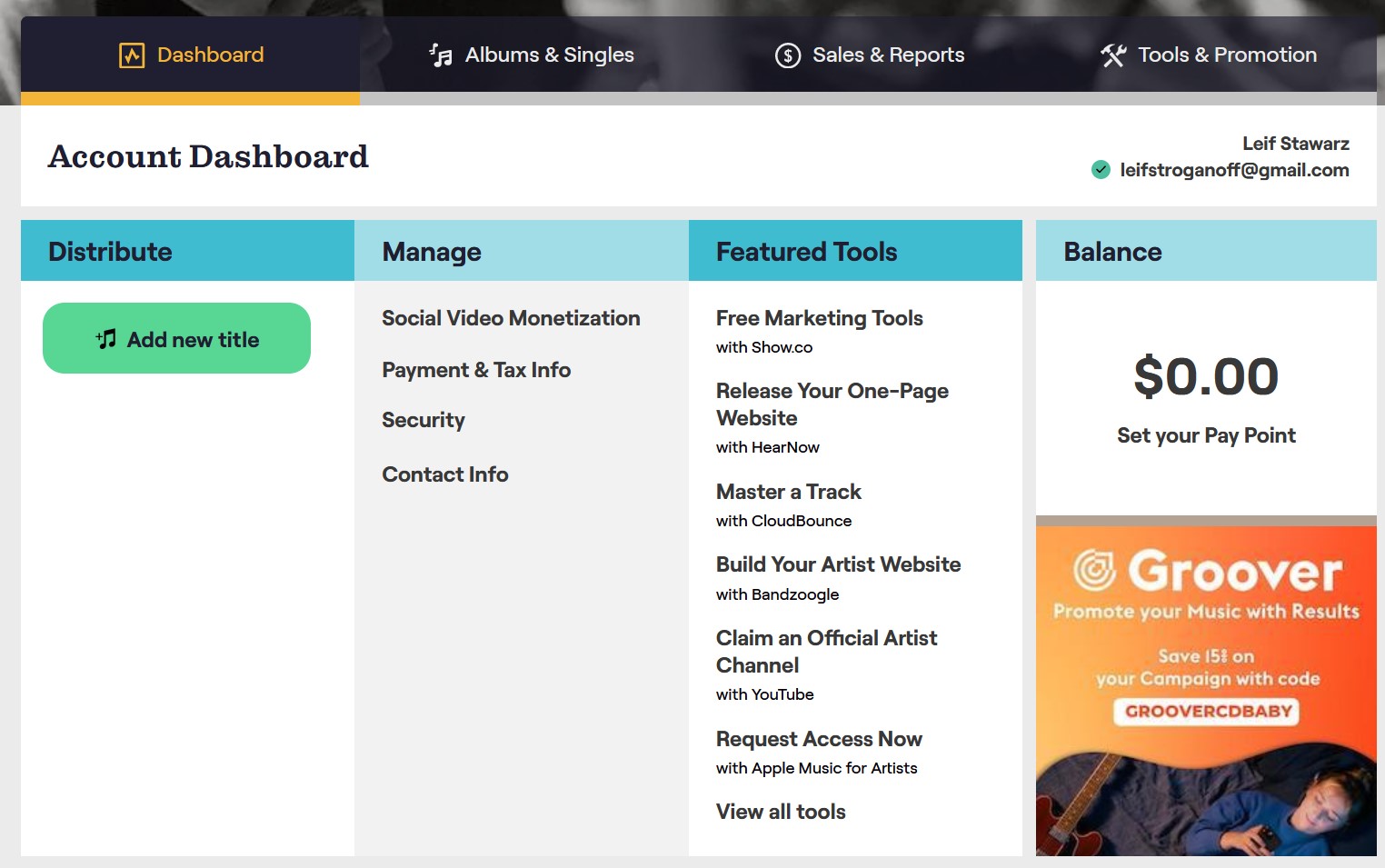
On most distribution websites, once you have created an account, you will be directed either to their subscription pricing (as for DistroKid) or a dashboard where you can add releases and be redirected to information about payment, royalty balances, and taxes relating to your royalties (as for CD Baby).
Once you’ve decided on your distribution method, you should start considering your actual music files. Different distributors require different file formats, but, for the most part, you want to make sure that you have a high-quality WAV file that’s mixed for streaming, rather than for CD, vinyl, etc. Spotify Premium streams at 320kbps, which you should keep in mind when mixing your files if your destination for them is Spotify. Many distributors advise you to steer clear of mp3 files for your final file. You should also ensure that you have the right to upload your song and that it is your original content – remixes, covers, and heavily-sampled songs require different permissions for publication than your own music does.
Another thing to consider is your album cover. While it should represent your album or artistry, it should also conform to Spotify’s requirements – it must be in a TIFF, PNG or JPG format and must be at least 640×640 pixels. You should also be aware of the album cover requirements of the distributor you’ve chosen to work with. Some distributors require the image to have more pixels than Spotify does. Some distributors also require that their images don’t have trademarks, names, or inappropriate language. Some do not have any qualifications for album covers. If there is copyrighted material in your image, you might need to remove it or get permission from the copyright owner.
The last step before it’s in the distributors’ hands is to provide the listing information for your track. This would be your artist name, the track name, album name if applicable, whether your song is explicit or not, the genre, and sometimes the recording year, but only if it is different from the release year. Once you’ve provided all of your information, check it carefully before hitting submit.
Once you’ve submitted your track(s), you will either have to wait for the distributor to tell you when it will release or you will have to wait until your chosen release day if you have used a distributor that lets you choose. Then, all you have to do is advertise your single or albums!
James Madison University
